 Writers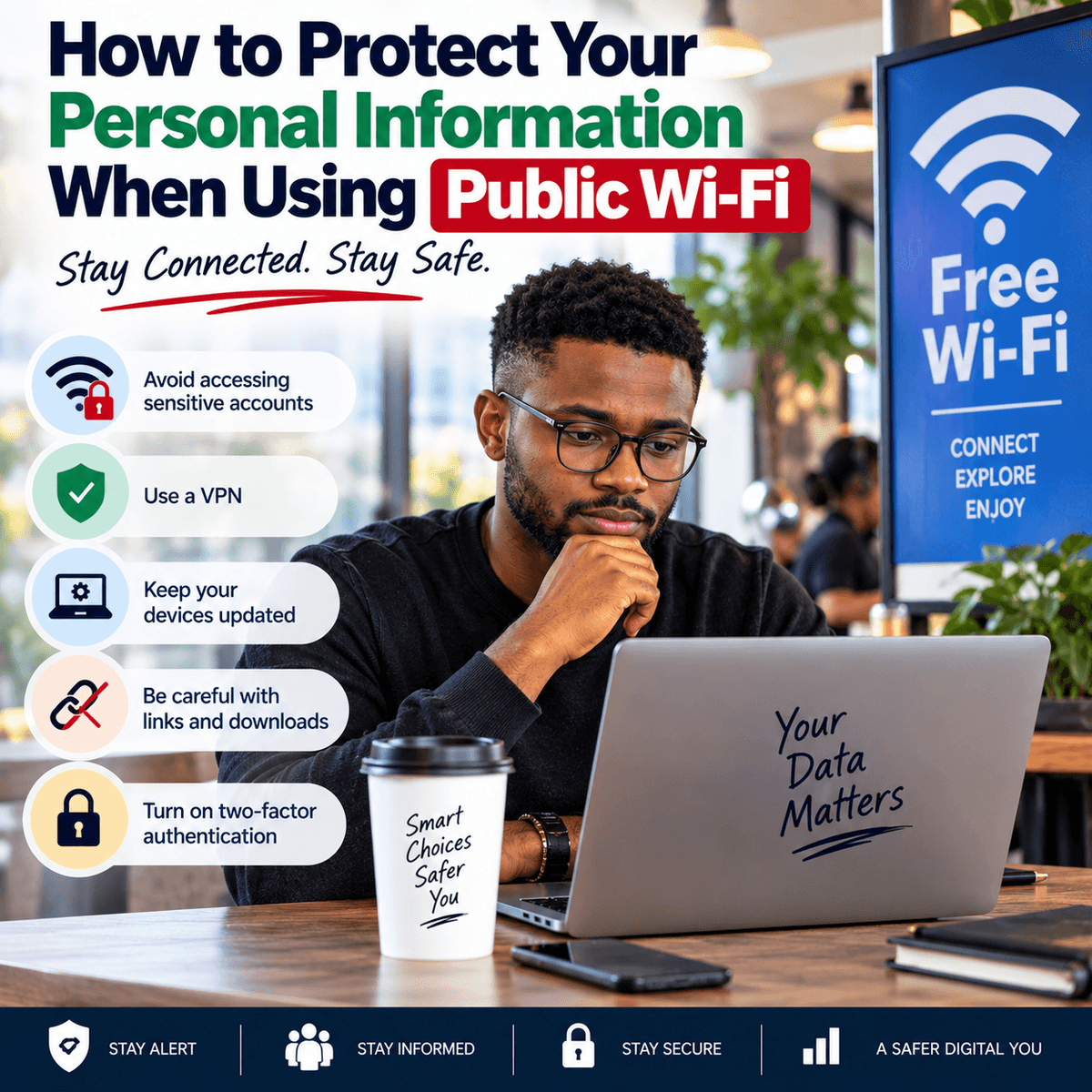
Public Wi-Fi has made internet access easier when people are away from home or work. You may find free or shared Wi-Fi at airports, hotels, restaurants, cafés, shopping centres, schools and other public places. It can be useful when your mobile data is low, the network signal is poor or you need internet access while travelling. However, you should think about security before connecting. A public network may serve many people you do not know, and you may not know who manages it or how well they have secured it. One risk comes from fake Wi-Fi networks that use names similar to those of real businesses. For example, you may visit a hotel called Sunrise Hotel and see networks named “Sunrise Guest WiFi” and “Sunrise Free WiFi.” Without checking with hotel staff, you may not know which one is genuine. Someone could create a misleading network name in the hope that people will connect to it. Before joining a public network, confirm the correct network name with the organisation providing it when possible. Avoid assuming that a network is safe simply because its name looks familiar. Also consider whether you actually need to use public Wi-Fi. If you only want to read general information or watch a video, the risk may be easier to manage. If you plan to access sensitive accounts or send private information, your own mobile data connection may be a better choice when available. Public Wi-Fi is useful, but convenience should not cause you to ignore basic steps that can help protect your personal information.
You should also pay attention to the type of information you access while connected to a shared network. Banking details, card information, passwords, private work files and personal records deserve extra care. Modern websites and apps often protect information sent between your device and their services through encrypted connections, but this does not remove every risk. Fake websites, weak account security and unsafe devices can still expose information. Before entering sensitive details on a website, check that you are using the correct site rather than a copy designed to steal login information. A small spelling change in a web address can be easy to miss. Instead of following an unexpected link in an email, text message or social media post, consider opening the organisation's official app or entering its known web address yourself. Be especially careful when a message creates pressure by claiming that your account will close, your payment has failed or you must verify your identity at once. Criminals often try to make people act before they have time to check what is happening. Public Wi-Fi does not cause every online scam, but using an unfamiliar network while rushing can make it easier to overlook warning signs. If you have to carry out an important financial transaction, consider waiting until you have a connection you trust. If the matter cannot wait, using your own mobile connection may reduce some of the risks linked to an unknown public network. No connection method removes every online threat, so careful browsing and strong account security still matter.
Strong passwords and extra login checks can also reduce the damage if someone gets hold of your login details. Using the same password for your email, social media, shopping and financial accounts creates an unnecessary risk. If one service suffers a data breach or you enter that password into a fake website, someone may try the same details on your other accounts. Use a different strong password for each important account. A password manager can help you create and store unique passwords so you do not have to remember all of them yourself. Where a service offers two-step verification or another extra sign-in check, consider turning it on. This usually requires another form of proof after your password, such as a code or approval through an app. It cannot prevent every form of account theft, but it can add another barrier if someone learns your password. You should also keep your phone, tablet or computer updated. Software updates often fix security flaws as well as adding features. Delaying important updates for months can leave known weaknesses on your device. Install apps from sources you trust, review the permissions you give them and remove apps you no longer use. A simple flashlight, game or editing app should not receive access to contacts, messages, location, microphone or files unless it needs that access for a clear reason. Your device contains a large amount of personal information, so protecting the device itself matters just as much as protecting the Wi-Fi connection you use.
Another useful step is to change how your device behaves around wireless networks. Some phones and laptops can automatically connect to networks they have used before. While this feature saves time, it can also cause your device to join a network when you did not intend to use it. Review your Wi-Fi settings and consider turning off automatic connection to open or unknown networks. When you finish using a public network, disconnect from it and, where appropriate, tell your device to forget the network so it does not reconnect later without your attention. You should also turn off file sharing or similar sharing features when you do not need them, especially on a laptop connected to a public network. If you use a virtual private network, commonly called a VPN, choose the provider with care. A VPN can protect traffic between your device and the VPN service, which may help on an untrusted network, but using one means placing trust in the VPN provider. A random free VPN is not automatically safer than using no VPN at all. Read what the provider says about how it handles data, check its reputation and understand what the service can and cannot protect. A VPN will not stop you from entering your password into a fake website, downloading a harmful file or giving private information to a scammer. Technology can reduce some risks, but it cannot replace careful decisions. You should also avoid leaving your device unattended in a public place, use a screen lock and make sure people nearby cannot easily read sensitive information from your screen.
Good online security also depends on what you do after using a public network. If you notice unusual activity after connecting to public Wi-Fi, act quickly. Examples may include login alerts you do not recognise, password reset messages you did not request, unexpected transactions or notifications that someone accessed an account from a new device. Do not ignore these signs. Go directly to the affected service through its official app or website, review recent account activity and change your password if you believe someone else may know it. If the same password was used elsewhere, change it on those accounts too and replace it with a unique one for each service. Contact your bank or payment provider at once if you notice a transaction you did not make. Public Wi-Fi can be convenient, and using it does not mean that your information will automatically be stolen. The goal is to avoid treating every available network as trustworthy. Confirm the network before connecting, limit sensitive activity when possible, use strong and unique passwords, add extra sign-in protection, keep your devices updated and disconnect when you have finished. Most of these steps take only a short time, yet they can reduce your exposure to common online risks. Your phone or computer may hold your messages, photos, work documents, email, financial apps and access to many other parts of your life. When you use public Wi-Fi, protecting that information should matter more than the few minutes you may save by connecting without checking first.