 Writers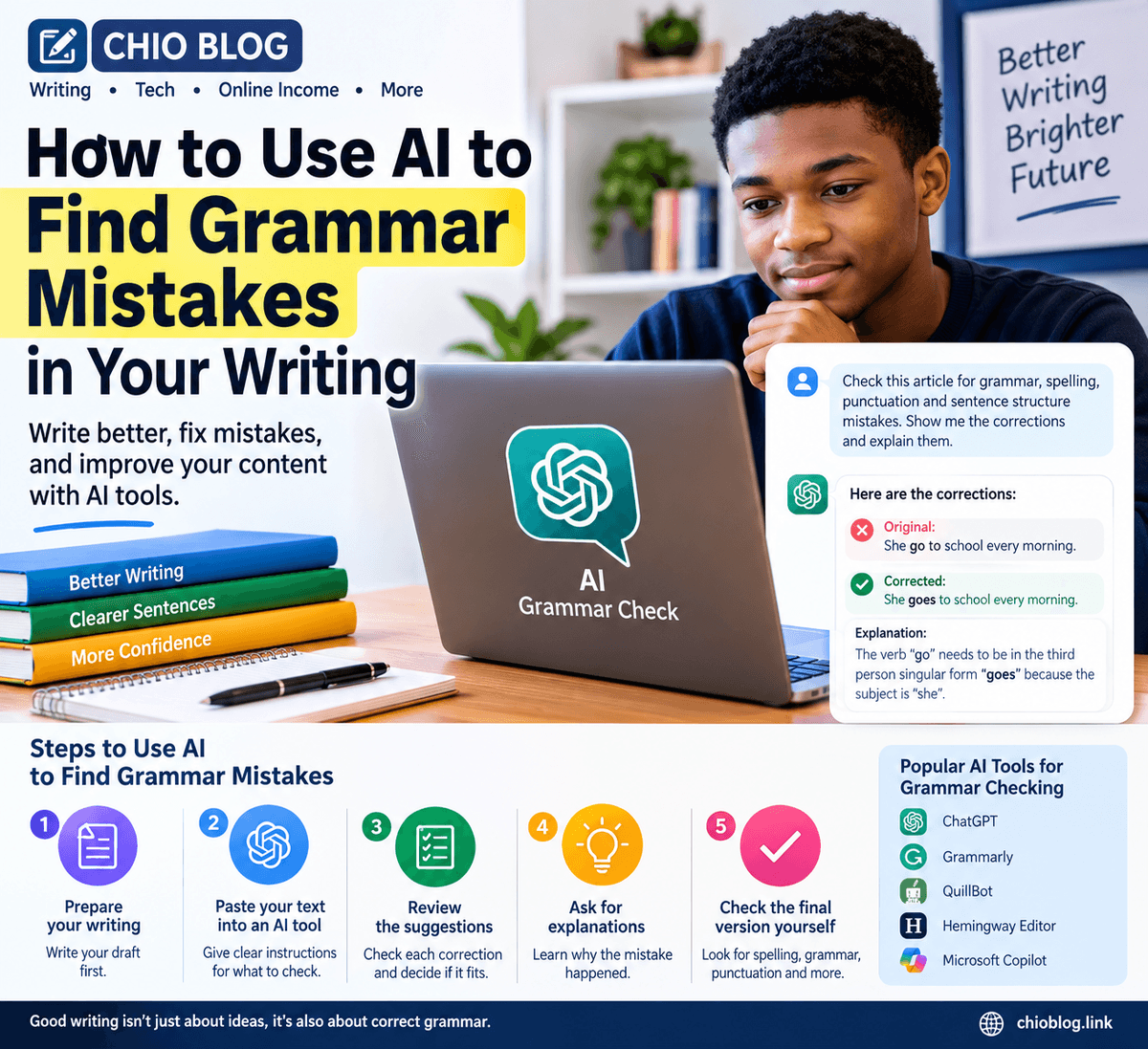
How to Use AI to Find Grammar Mistakes in Your Writing
Writing an article, email, assignment, blog post, or social media post can sometimes be difficult, especially when you are not sure whether your sentences are grammatically correct. Fortunately, artificial intelligence (AI) tools can help writers identify grammar mistakes and improve their content.
AI grammar tools can review your writing, identify possible errors, and suggest corrections. They can also help you understand why a sentence may need to be changed.
What Is AI Grammar Checking?
AI grammar checking uses artificial intelligence to analyze written text. Instead of checking only individual spelling mistakes, modern AI tools can examine sentences, punctuation, word choice, sentence structure, and other aspects of writing.
For example, if you write:
"She go to school every morning."
An AI writing assistant may identify the grammatical problem and suggest:
"She goes to school every morning."
The correction is simple, but tools like these can be useful when checking longer documents.
How to Use AI to Find Grammar Mistakes
1. Prepare Your Writing
First, write your article or document normally. Don't worry about making everything perfect on the first attempt.
You can use AI after completing your first draft. This allows you to focus on your ideas before spending time correcting small mistakes.
2. Copy Your Text Into an AI Tool
Open an AI writing assistant and paste your text into the chat or editing area.
You can give the AI a clear instruction such as:
"Check this article for grammar, spelling, punctuation, and sentence structure mistakes. Show me the mistakes and explain the corrections."
A clear instruction helps the AI understand exactly what you want it to check.
3. Review the Suggestions
After analyzing your writing, the AI may suggest several corrections.
Don't automatically accept every suggestion. Read each recommendation and decide whether it actually improves your sentence.
AI tools can sometimes misunderstand context, names, technical terms, or the meaning of a sentence.
4. Ask AI to Explain the Mistakes
One useful feature of AI is that you can ask questions about its corrections.
For example, you can ask:
"Why is this sentence grammatically incorrect?"
The AI can explain the problem in simpler language. This makes AI useful not only as an editing tool but also as a learning assistant.
5. Check the Final Version Yourself
After making corrections, read the entire article again.
Look for things such as:
- Spelling
- Grammar
- Punctuation
- Repeated words
- Missing words
- Incorrect names
- Incorrect facts
- Awkward sentences
- Inconsistent capitalization
Human review is still important because AI can make mistakes too.
AI Can Help With More Than Grammar
Grammar checking is only one way to use AI when editing content.
You can also ask AI to improve sentence clarity, shorten complicated sentences, organize paragraphs, suggest better headlines, and identify repetitive wording.
For example, instead of asking only:
"Fix my grammar."
you could ask:
"Check my article for grammar, spelling, punctuation, clarity, and sentence structure. Keep my original meaning and writing style."
This gives the AI a broader editing task.
How AI Can Help Beginners
AI grammar checking can be particularly useful for beginner writers.
Instead of simply correcting mistakes, writers can study the explanations and gradually learn from their errors. Over time, this can help improve grammar, vocabulary, sentence construction, and overall writing confidence.
However, writers should avoid depending completely on AI. The goal should be to use AI as an assistant while continuing to develop your own writing skills.
Final Thoughts
AI can make the editing process faster and help writers discover grammar mistakes that they may have missed while proofreading their own work.
The best approach is to combine AI assistance with human judgment. Write your ideas yourself, use AI to identify possible problems, review its suggestions, and then carefully proofread the final version.
When used this way, AI becomes more than a grammar checker—it can become a useful learning and editing assistant for bloggers, students, freelancers, and online writers.