 Writers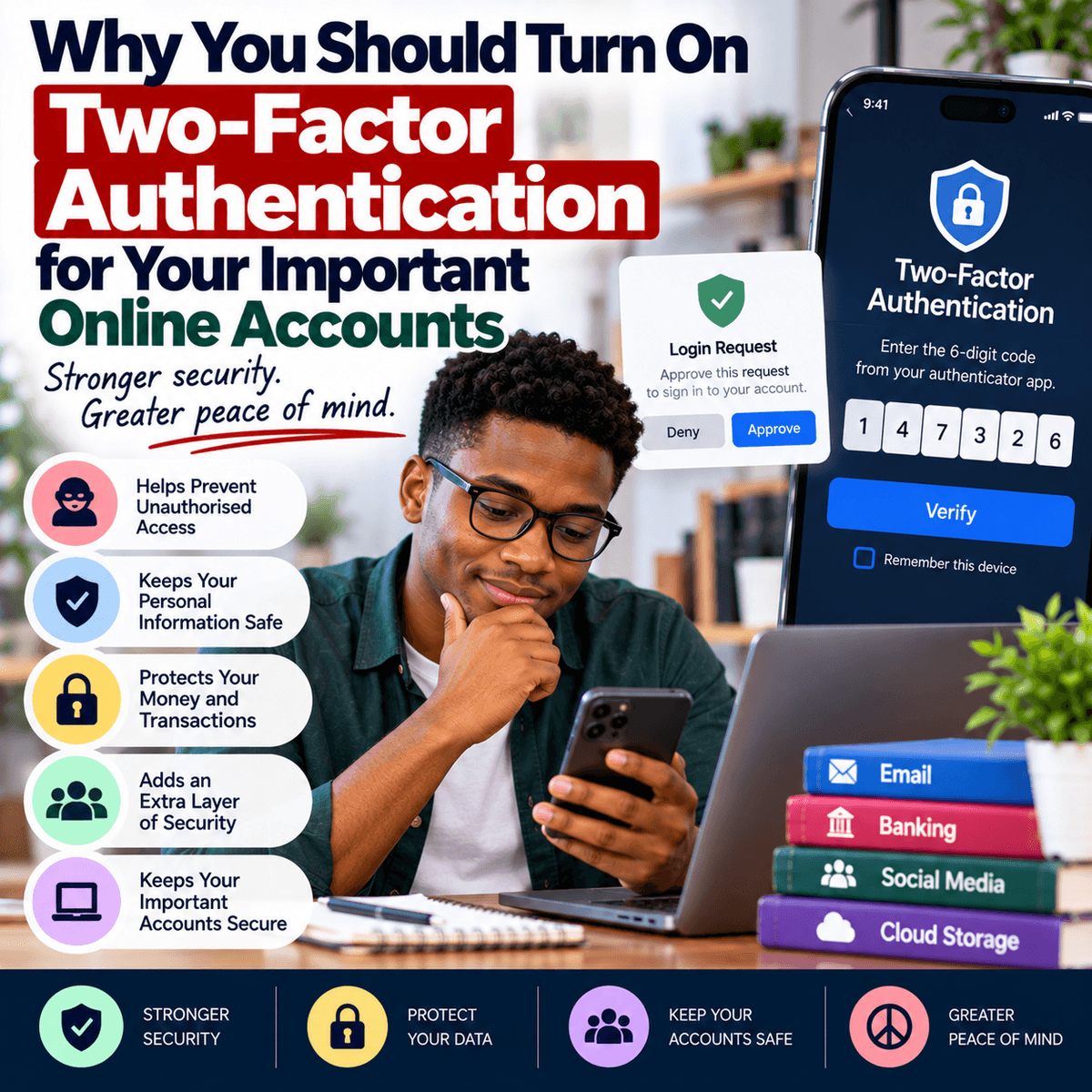
Online accounts now hold a large amount of personal and important information. Your email account may contain private messages, work documents, receipts and links to many other services. Social media accounts may contain photographs, conversations and personal information, while banking and payment accounts can provide access to your money. Because these accounts are valuable, protecting them with only a password may not always provide enough security. Passwords can be exposed in different ways. Someone may trick you into entering a password on a fake website, you may accidentally share it, or information from a service you use may be exposed in a data breach. People also make their accounts easier to attack when they use simple passwords or reuse the same password across several websites. Two-factor authentication, often shortened to 2FA, adds another step to the sign-in process. Instead of gaining access with only a username and password, a person must provide another form of verification. Depending on the service, this could be a code from an authentication app, a security key, a passkey or a code sent to a registered phone number. The exact options vary between services. This extra step means that knowing your password may not be enough for someone to enter your account. Two-factor authentication cannot prevent every type of online attack, but it can provide an important additional layer of protection. For accounts containing sensitive information, especially your main email, financial services, social media and work accounts, taking a few minutes to review the available security options can be worthwhile.
Your email account is a particularly important place to consider using two-factor authentication because it is often connected to many of your other online accounts. Think about what happens when you forget a password on a website. In many cases, the service sends a password reset link to your email address. This means that someone who gains access to your email may be able to attempt password resets for other services connected to it. Your email may also contain information that helps someone learn more about you, such as receipts, account notifications and personal conversations. Protecting your email can therefore help protect more than just your messages. Social media accounts are another common target. If someone takes control of your account, they may change the password, contact your friends while pretending to be you or use your profile to spread fraudulent messages. People who know and trust you may be more willing to respond because the request appears to come from your real account. Business accounts can create even greater problems if several employees depend on them or customers communicate through them. Turning on two-factor authentication can make account takeover more difficult because an attacker may still need the second form of verification after obtaining the password. You should still use a strong and different password for each important account because 2FA is an additional protection rather than a replacement for good password practices. The combination of a strong password and a secure second factor provides better protection than depending on either one alone.
There are different ways to receive or provide the second form of verification, and some methods offer stronger protection than others. Many services send a one-time code through a text message. This is generally an improvement over using only a password, but text messages have weaknesses and may not be the strongest option available. Authentication apps can generate temporary codes directly on your device and are supported by many major online services. Some services also support physical security keys, passkeys or approval prompts through trusted devices. If an important service provides several options, read its security information and choose a strong method that you can use reliably. Whatever method you choose, you should also be careful with verification codes and approval requests. Criminals sometimes obtain a person's password and then contact the person pretending to be a bank employee, customer service representative or another trusted individual. They may ask for a code that has just arrived on the person's phone. Giving them that code can defeat part of the protection provided by two-factor authentication. A verification code should therefore be treated as sensitive information. Do not send it to another person simply because they claim to need it. You should also avoid approving unexpected sign-in requests. If your phone suddenly asks whether you are trying to sign in to an account and you did not start the process, reject the request and review the security of the account. Repeated unexpected requests may indicate that someone is trying to gain access.
Setting up two-factor authentication also requires planning for situations where you lose access to your normal verification method. Imagine that your phone is lost, damaged or stolen and your authentication app is stored only on that device. Without a recovery method, you may have difficulty accessing your own accounts. When activating 2FA, review the recovery options provided by the service. Some platforms give users backup or recovery codes that can be used when the normal second factor is unavailable. If you receive these codes, store them somewhere secure rather than keeping the only copy on the same phone that provides your authentication codes. Some services allow you to register more than one trusted security method or device. Make sure any recovery email address or phone number connected to your account is current and belongs to you. At the same time, be careful about where recovery information is stored because anyone who obtains it may try to use it to bypass your normal security. Account recovery questions also deserve attention. Avoid answers that another person can easily discover from your social media profiles or public information. After enabling two-factor authentication, review the security settings of your important accounts occasionally. Remove devices you no longer own, sign out of sessions you do not recognise and update recovery information when it changes. Security settings should not be treated as something you configure once and then forget forever. As your devices, phone numbers and accounts change, your recovery and verification methods may need to change as well.
Two-factor authentication is most useful when it becomes part of a wider set of good online habits. Start with the accounts that could cause the greatest problems if someone else gained control of them. Your main email account is a good priority, followed by financial, work, cloud storage and important social media accounts. Use different and strong passwords, and consider a reputable password manager if remembering many unique passwords is difficult. Keep your phone and computer software updated, be careful with unexpected links and avoid downloading applications or files from sources you do not trust. If you receive a message claiming that there is a problem with an account, open the official app or website yourself instead of automatically following a link in the message. Most importantly, remember that two-factor authentication does not make you impossible to deceive. A convincing fake website may ask for both your password and your verification code, which is why you still need to check where you are signing in. No single security tool can remove every online risk. The aim is to create several layers of protection so that one mistake or exposed password does not immediately give another person access to everything. Turning on two-factor authentication is one practical step toward that goal. It may add a few extra seconds when you sign in from a new device, but those few seconds can make unauthorised access more difficult. Review the security settings of the online accounts that matter most to you and use the strongest verification method that the service offers and that you can manage safely.