 Writers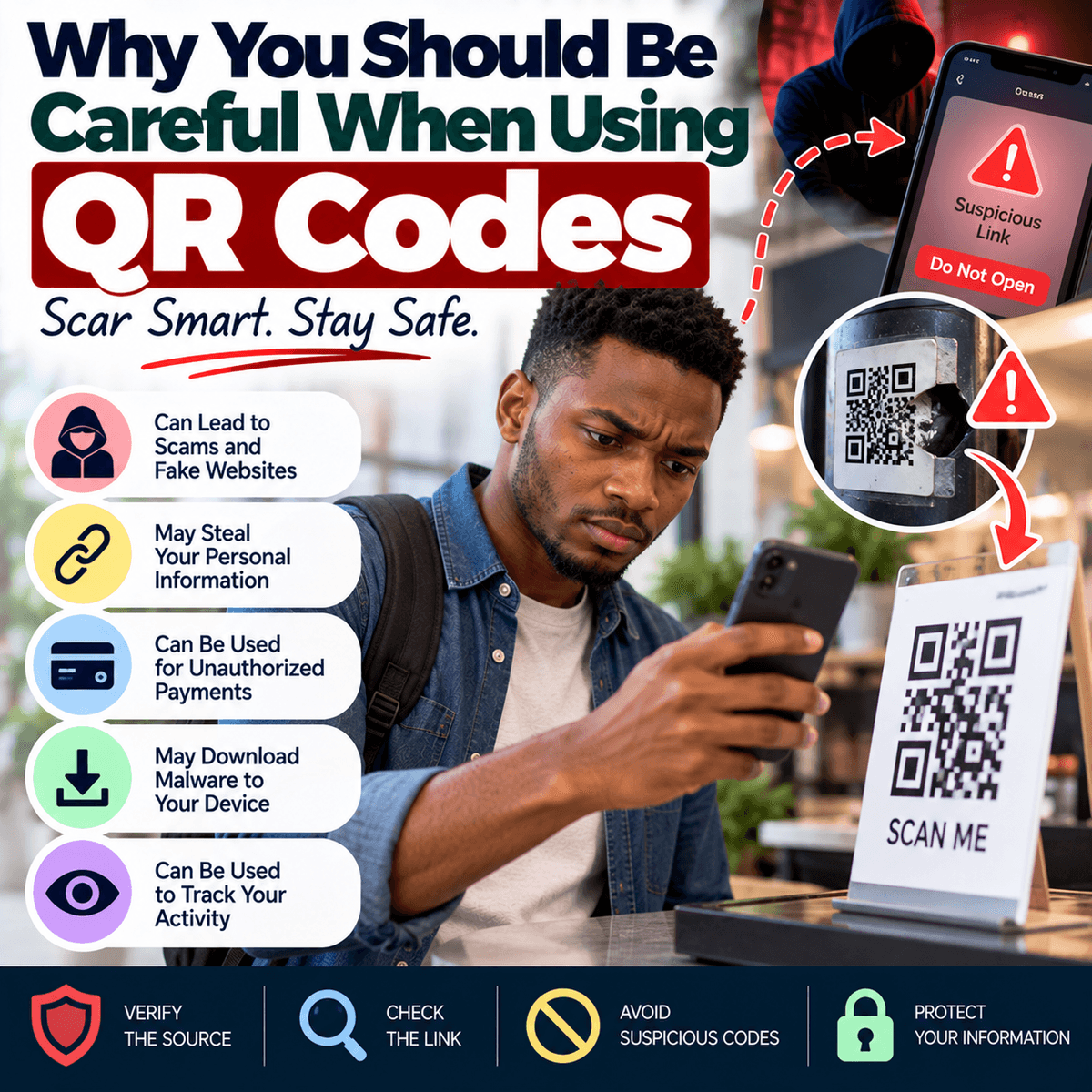
QR codes have become a common part of everyday technology. You may find them in restaurants, shops, banks, offices, advertisements, event centres, payment points and on product packages. Instead of typing a long website address or entering information manually, you can scan a QR code with your phone and quickly open a website, view a menu, make a payment, download an application or access other digital information. This convenience is one reason QR codes have become popular, but it can also create a security risk when people scan them without checking where they lead. A QR code is simply a way of storing information in a form that a phone or another device can read. The image itself does not tell you whether the information behind it is safe. A harmful QR code can direct you to a fake website designed to look like a bank, payment service, online store or another trusted platform. The page may then ask you to enter your username, password, card details or other personal information. Criminals may also place their own QR code over a genuine one displayed in a public place. Because many QR codes look similar, you may not notice that the original has been covered. This does not mean you should stop using QR codes. They are useful and, when used carefully, can make many tasks faster. The important habit is to treat a QR code in the same way you would treat an unfamiliar link. Before opening whatever appears after scanning, consider where the code came from, what you expect it to do and whether the destination looks genuine.
The location and condition of a QR code can provide useful clues before you scan it. If you are in a restaurant and a code is clearly printed as part of the official menu or placed on the table by the business, there may be a reasonable explanation for it. Even then, checking the destination before proceeding is useful. Be more careful when a QR code appears as a separate sticker placed over another sign, payment terminal, parking notice or advertisement. Look closely to see whether it appears to have been added later or whether another code is visible underneath it. If you are unsure, ask an employee or representative of the organisation before using it. You should be particularly careful when a QR code is connected to a financial transaction. Suppose you want to pay a business by scanning a code. Before confirming the transaction, check the recipient's name and other information displayed by your banking or payment application. Do not assume the payment is going to the correct person simply because the QR code was located inside a shop. If the details do not match the person or business you expect, stop and confirm the correct payment information. The same principle applies to codes received through email, text messages and social media. A message may claim that you need to scan a QR code urgently to prevent your account from being blocked, receive a refund, collect a prize or confirm your identity. Urgency should make you more careful, not less. If the message claims to come from a company you use, open the company's official application or website independently and check whether the same request appears there.
Your phone can also help you make a safer decision after scanning a QR code. Many modern devices display the website address or a preview before opening it. Take a moment to read that information instead of tapping immediately. Look for spelling changes, strange domain names, unnecessary words or an address that does not match the organisation you expected. A fake website may use the name of a well-known company somewhere in its address while the actual domain belongs to someone else. A secure connection indicator or “https” is useful for protecting information while it travels between your device and a website, but it does not prove that the website itself is genuine. Fraudulent websites can also use encrypted connections. If a QR code takes you to a page asking for sensitive information, become especially careful. Passwords, banking details, payment card information, PINs and one-time verification codes should not be entered simply because a page looks professional. Fake websites can copy the colours, logos and layout of genuine services. If you need to sign in to an important account, it is often safer to close the QR destination and open the official app or type the known website address yourself. Be cautious if scanning a code immediately starts a file download or asks you to install an application from an unfamiliar source. Do not change your phone's security settings or allow installation from unknown sources simply because a website tells you to do so. When an application is genuinely required, confirm it through the organisation's official channels and use a trusted app store where appropriate.
QR codes can also be used to perform actions other than opening ordinary websites, which is another reason to review what your phone is asking you to approve. Depending on the code and your device, scanning may prepare a phone number, message, email, Wi-Fi connection, contact information or another action. Your phone will normally ask you to confirm important steps, so read the screen before approving anything. If a QR code offers to connect you to a Wi-Fi network, make sure you know which network you are joining. If it prepares a message or email, check the recipient and content before sending it. If it attempts to add information to your phone, understand what is being added. Businesses that use QR codes also have responsibilities. A company that displays codes for customers should check them regularly, particularly codes placed in public areas. Staff should know what the genuine codes look like and where they should lead so that unauthorised stickers can be noticed quickly. A business accepting QR-based payments should also provide customers with a way to confirm payment details. Organisations should avoid creating QR codes that lead customers through unnecessary steps or ask for information that is not needed. Clear instructions can make it easier for customers to recognise when something is wrong. Users, meanwhile, should keep their phones and browsers updated because software updates often include security improvements. Security software and browser warnings may identify some harmful websites, but no technology can guarantee that every dangerous destination will be detected. Careful checking remains important.
If you scan a QR code and later believe it was fraudulent, your response should depend on what you did after scanning it. If you only viewed the page and did not enter information, approve a payment, download a file or install an application, close the page and avoid interacting with it further. If you entered a password, go directly to the genuine service and change that password as soon as possible. If you used the same password on other accounts, change those passwords as well and make them different. Turn on two-factor authentication where available and review recent account activity for anything you do not recognise. If you entered banking or card information or approved a payment to the wrong recipient, contact your bank or payment provider through its official channel promptly and follow its instructions. If you installed an unfamiliar application or file, remove it where appropriate and seek qualified technical assistance if you are unsure whether your device is safe. Most importantly, make checking a normal part of scanning. Look at where the QR code is displayed, examine whether it has been covered or replaced, preview the destination, confirm payment details and avoid entering sensitive information on pages you cannot verify. QR codes are not dangerous simply because they are QR codes. The risk comes from trusting the information behind them without checking. The few seconds saved by scanning a code are not worth exposing an important account or sending money to the wrong person. Use the convenience QR codes provide, but give yourself enough time to confirm where they are taking you before you continue.