 Writers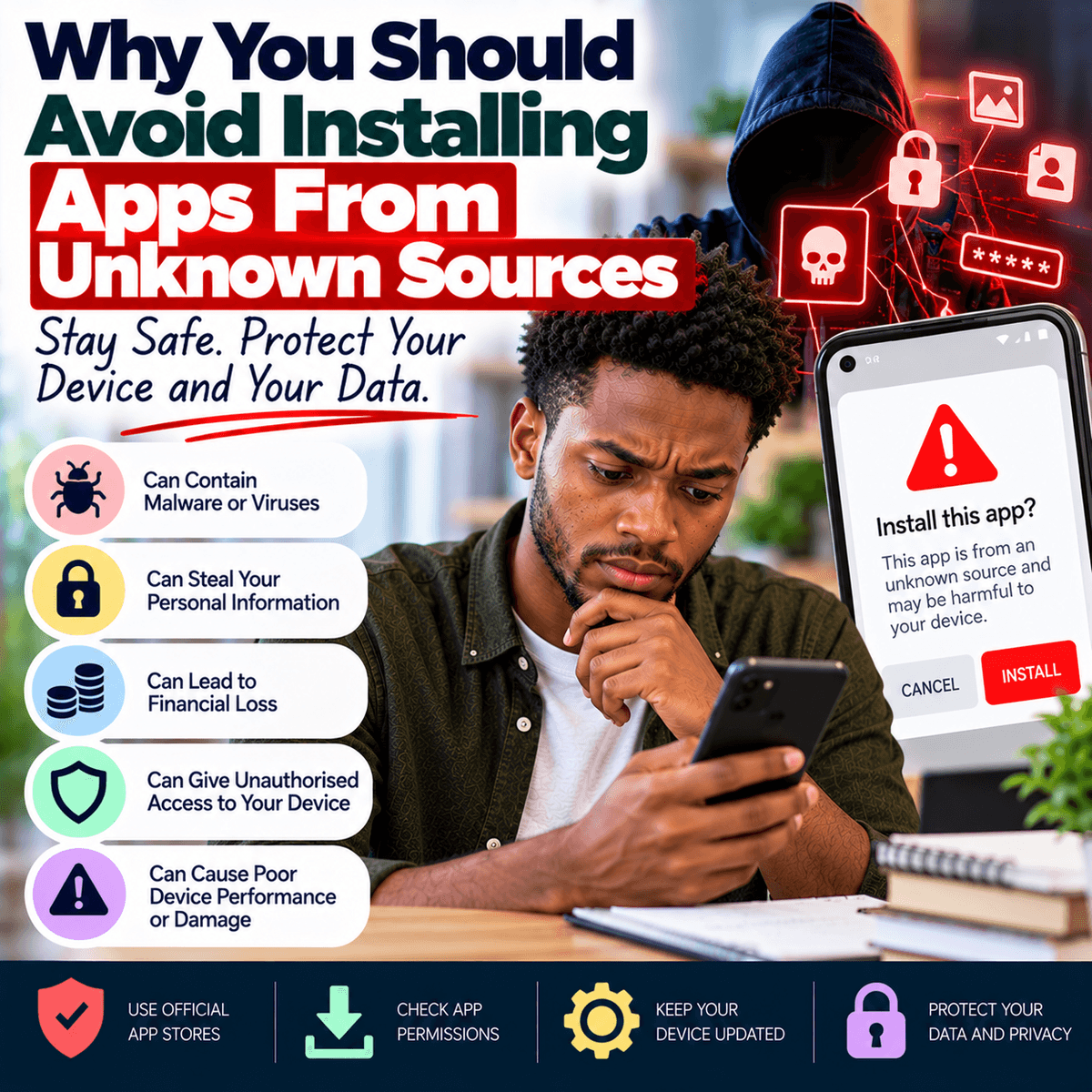
Mobile applications have become part of everyday life. People use apps for banking, communication, shopping, transportation, entertainment, education, work and many other activities. Whenever you need a new app, it may seem normal to search for it online, download the file and install it immediately. However, where an app comes from matters. Installing an application from an unknown or untrusted source can expose your phone, personal information and online accounts to unnecessary risks. Official app stores generally have rules and security processes that developers must follow before applications can be distributed through their platforms. These measures cannot guarantee that every app is completely safe, but they provide an important level of protection that may be missing when you download an installation file from an unfamiliar website, social media page, online forum or link sent through a message. A harmful application can be designed to look like a useful tool, game, financial app or modified version of a popular service. Once installed, it may request access to information or functions on your phone that have nothing to do with what the application claims to provide. In other cases, a fake application may copy the appearance of a genuine service and encourage you to enter your username, password or financial information. This is why an offer to download a “special,” “free,” “premium unlocked” or modified version of an application should be treated carefully. Saving a small amount of money or getting an extra feature is not worth exposing important personal information. Before installing anything, identify who created the app, where it is being downloaded from and whether the source can be trusted.
One major risk associated with applications from unknown sources is malicious software. Harmful software can be created for different purposes. Some may attempt to collect personal information, display unwanted advertisements, monitor certain activities, interfere with the normal operation of a device or provide criminals with access they should not have. The danger is that an application may appear completely normal after installation. It could open, display the expected interface and provide some of the functions it promised while carrying out unwanted activities in the background. Users therefore should not assume an app is safe simply because it appears to work correctly. Pay close attention to permissions when installing and using applications. Permissions allow apps to access particular features or information on your device, such as the camera, microphone, contacts, photographs or location. Some permissions are reasonable. A video-calling application, for example, may need access to your camera and microphone to perform its main function. A navigation application may need location access while you are using it. However, you should question an application that requests permissions that seem unrelated to its purpose. A simple calculator, for example, would normally have little reason to request access to your contacts or microphone. Modern phones often allow users to control individual permissions, so review them instead of automatically approving every request. You can also check the permissions of applications that are already installed and remove unnecessary access. Permissions alone cannot tell you whether an application is safe, but unusual requests can be a warning that deserves further investigation.
Another common reason people install apps from unknown sources is the promise of paid features without payment. Modified applications may claim to remove advertisements, unlock premium services, provide unlimited access or give users advantages that are normally restricted. Apart from possible legal or contractual issues, these unofficial versions can create security problems because you may not know who modified the original software or what was added to it. Even if the genuine application is trustworthy, a modified copy can contain completely different code. Similar risks can arise when people search online for an application that is not available in their country or has been removed from an official store. Random websites may offer installation files that use the same name, logo and screenshots as the genuine application. Some websites also use fake download buttons or advertisements designed to make users download something different from what they intended. If you need an application, start with the official app store supported by your device or the verified website of the developer when appropriate. Check the developer's name carefully because fake applications sometimes use names that look similar to genuine ones. Look at the app description, requested permissions, update history and other available information. Reviews can provide useful clues, but they should not be your only test because reviews can sometimes be misleading or manipulated. If an organisation sends you a link asking you to install an application, especially one related to banking or financial services, confirm the application through the organisation's official website or established customer service channel rather than trusting the message automatically.
Keeping installed applications updated is another important part of using them safely. Developers release updates not only to introduce new features but also to correct errors and address security problems. An application downloaded from an unofficial source may not receive updates through the normal process, leaving you with an old version even after important security fixes have been released. This can increase risk over time. Enable automatic updates where appropriate or regularly check that important applications are current. It is also useful to remove apps you no longer use. People sometimes accumulate dozens of applications over several years and forget why some of them were installed. Every unnecessary application adds another piece of software that may have permissions, stored information or an account connection. Review your installed applications occasionally and remove those you no longer need. If you notice unusual behaviour after installing an app, such as unexpected advertisements, unfamiliar applications appearing, major unexplained battery use, strange permission requests or other significant changes, investigate rather than simply ignoring it. These signs do not automatically prove that malicious software is present because ordinary technical problems can have many causes, but they provide a reason to check what recently changed. Remove suspicious applications when appropriate, update your device and seek qualified technical assistance if you are uncertain about the security of your phone. For important accounts, use strong and different passwords and enable additional sign-in protection where available so that one problem does not easily spread across several services.
Safe app installation is mainly about developing a few consistent habits. Before downloading an application, ask yourself whether you actually need it and whether you recognise the source. Use official stores or verified developer channels whenever possible. Do not disable important security protections simply because a website tells you that doing so is necessary to install a particular app. If your phone warns you about installing software from an unknown source, understand why the warning has appeared before choosing what to do next. Read permission requests instead of approving them automatically, and deny access that does not seem necessary for the application's function. Keep your phone's operating system and applications updated, protect the device with an appropriate screen lock and regularly remove software you no longer use. Be especially careful with applications that involve money, passwords, personal documents or other sensitive information. If you receive an unexpected message claiming that your bank, employer or another important organisation requires you to install a new application immediately, verify the request independently before proceeding. Urgency is not a reason to ignore security checks. Technology is most useful when convenience does not come at the expense of basic safety. Applications can make everyday tasks faster and easier, but each installation also involves a decision about which software you are allowing onto a device that may contain photographs, messages, financial applications, work documents and access to important online accounts. Taking a few minutes to verify an application before installing it is much easier than trying to recover information or secure accounts after something goes wrong. Treat every new app as something you are giving access to your device, and make sure it deserves that access before you install it.